A smartwatch comes out of the box with general settings that suit everyone, but a few minutes of setting it up makes it more useful to you and makes the battery last longer. These are the settings we suggest checking in the first week.
Start with notifications. Not every app on your phone deserves to buzz your wrist, so in the watch app on your phone keep messages, calls, calendar and the apps that matter, and turn the rest off. You will notice the difference in your focus and your battery.
Then enter your real details: age, height and weight, because the watch uses them to count calories and step distance. Set a realistic daily activity goal you can reach, then raise it bit by bit.
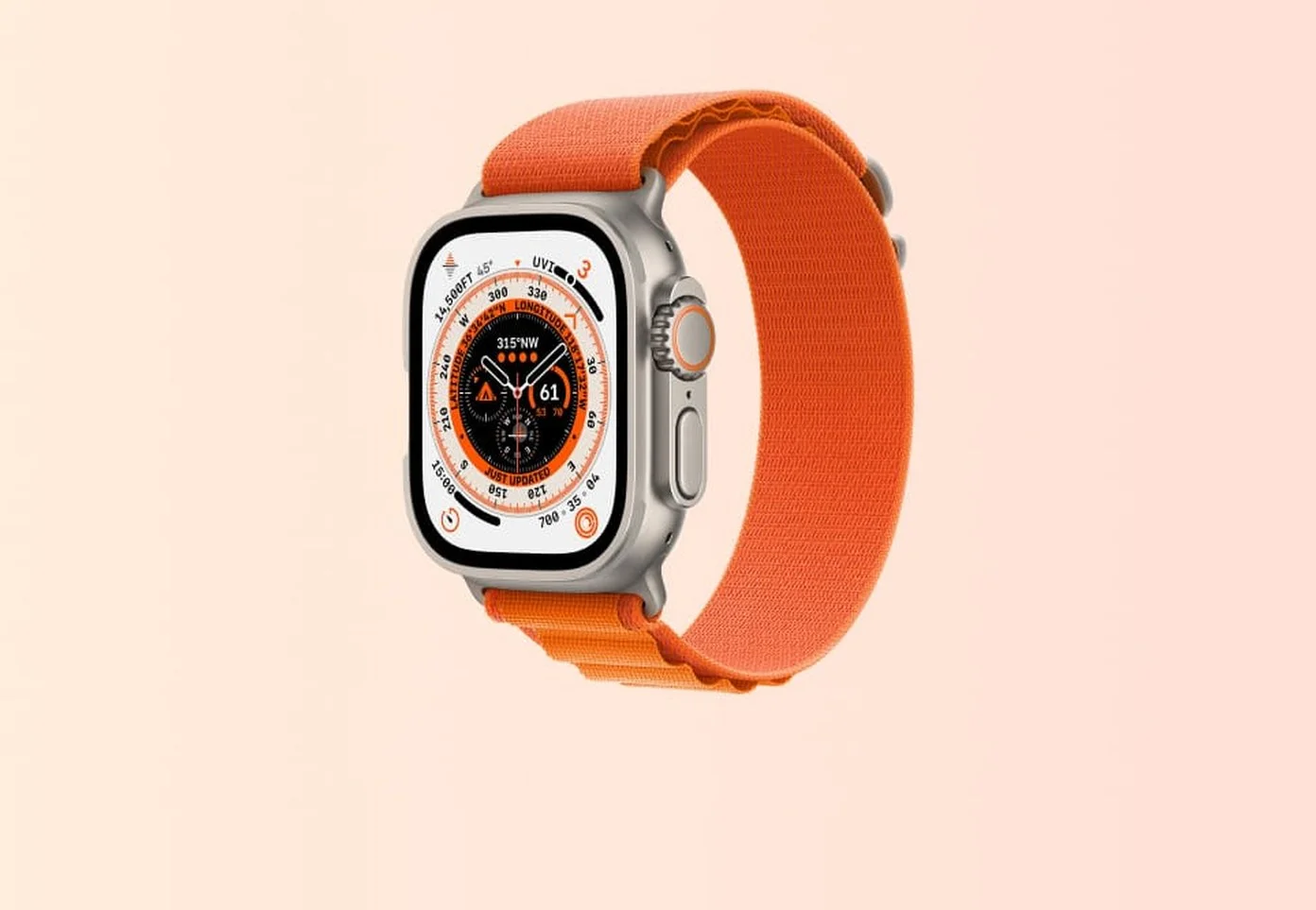
Check the display settings. An always-on display looks good but uses battery, so if your battery does not last your day, turn it off or lower the brightness. Pick a watch face that shows what you need at a glance, such as the time, steps and weather.
Turn on the safety features: fall detection, emergency contacts and high or low heart rate alerts. You will rarely need them, but they matter at the moment you do.
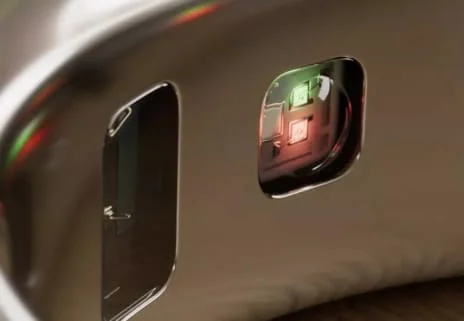
Finally, wipe the band and the back of the watch with a slightly damp cloth every week and dry them well: sweat and dust weaken the sensors and irritate your skin.